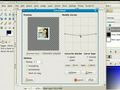
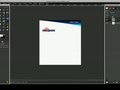
How to make a Web Layout in GIMP Well some people were wondering how to make a static web layout in GIMP. I've had numerous requests, so here it is: enjoy.
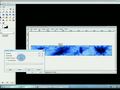
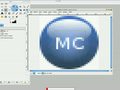
How to make a gloss effect, like apple has on their products such as the iPod and iPhone. Sorry I haven't been active for a few weeks, I now have a video that has over 4000 views, thanks youtube!






 MySpace
 Facebook
 Digg
Digg Stumbleupon
 del.icio.us
 orkut
orkut Bebo
Bebo Spaces



 RSS
RSS